About
This page’s purpose is to showcase examples of legitimate email alerts from SMPH’s ticketing system. The show how the subject line will look, the sender’s email address, and where to click in the message to view your ticket.
Subject Line and Email Address
- Emails from Navigator will show several features as shown in the respective colored boxed: (yellow) ticket number starting with USS-; (green) title User Support Services; and (red) the email noreply@med.wisc.edu. The following is an example of an email alert:

The Body of an Alert Email
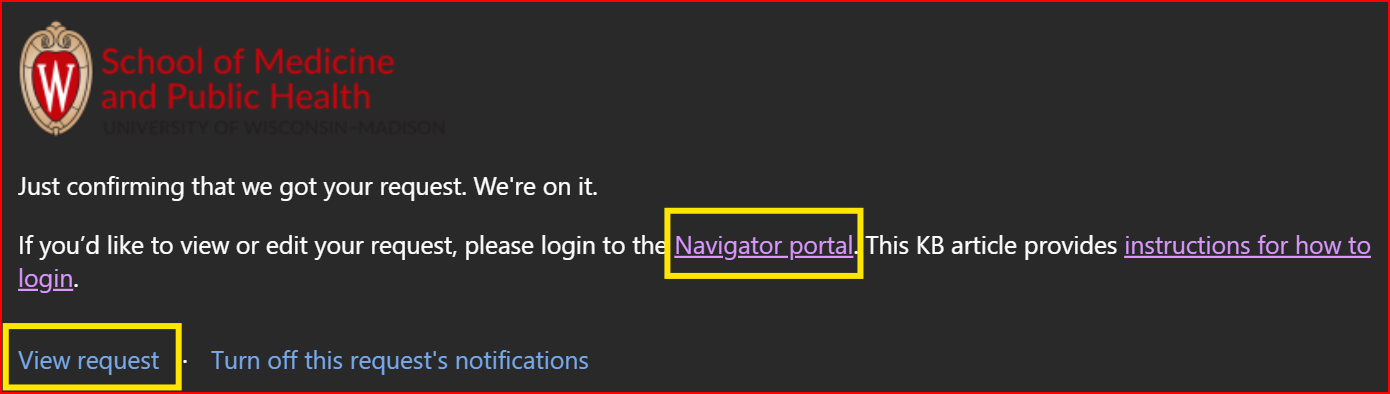
- In the body, there are two places to click in the alert email, both shown in the yellow boxes below: